Ajuda
Editar uma parcela
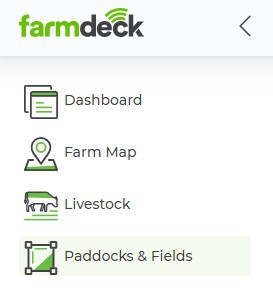
Passo 1: Aceda ao menu principal no lado esquerdo da página. Desça na página e clique no botão Cercados e Campos.
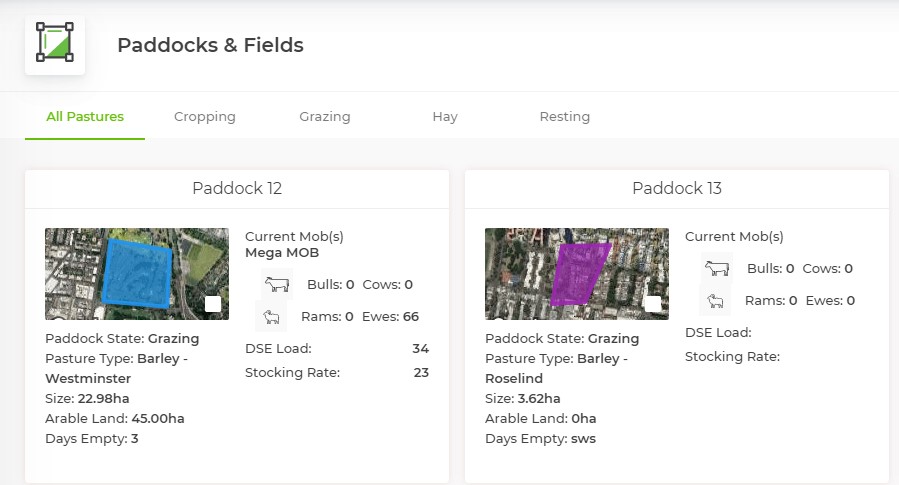
Step 2: When your Paddocks & Fields main page opens, you will see an overview of all the paddocks you have on your farm. Click on the paddock that you want to edit.
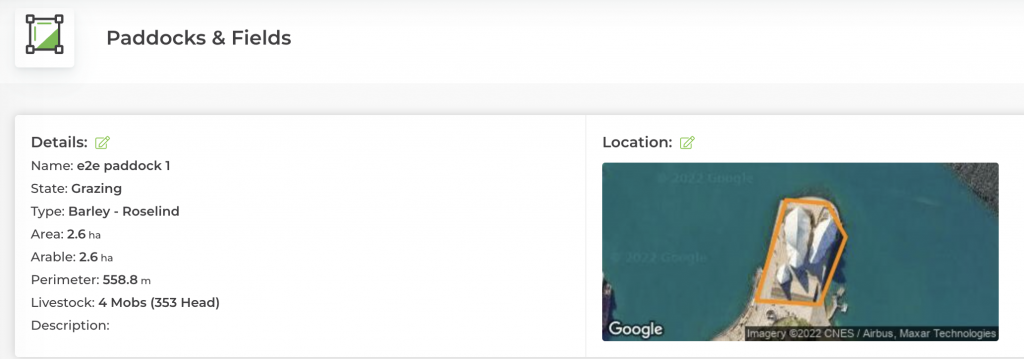
Step 3: When the paddock opens, click on the green Edit Symbol next to the section that you want to edit. You can access the edit screen by either clicking on the Icon next to ‘Details’ or ‘Location’.
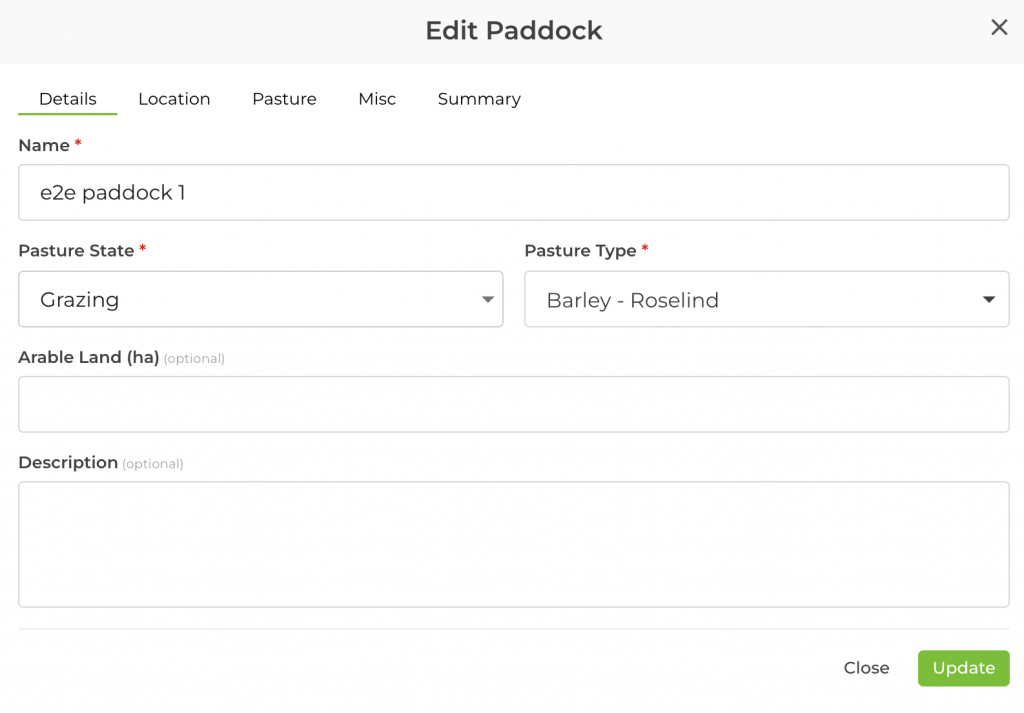
Step 4: A box will open where you can then edit your paddock. At the top of the box, you will be able to navigate through the tabs and choose between editing the Paddock Details, Location, Pasture or Preferences. Click Update once you are ready to finalise your changes.